
Scotland County Court Docket Searches
For a Scotland County court docket, start online with the North Carolina eCourts Portal. Its Smart Search accepts a party name, case or record number, citation number, attorney name or number, business name, cross-reference number, or even a nickname. No public account is needed. Set the Location control to Scotland County so the docket search stays focused. Treat File & Serve as a filing channel only; it delivers documents to the court. The Portal displays the public Case Summary, which North Carolina names the Register of Actions.
Bring a case number if you can. A party-name lookup may pull up many records. The Portal caps results at 200. Official guidance says advanced filters refine a basic search but never replace it. Scotland County joined the Portal in October 2024. Older paper records may still require the clerk even when a current Scotland County docket appears online.
- Open Portal and select Smart Search for a Scotland County court docket.
- Enter a party name, case number, or citation number as the known basic criterion.
- Set Location to Scotland County and add a case type, status, or filing-date range when results are broad.
- Select the underlined case number to open the Register of Actions or Case Summary.
- Use Search Hearings for a current setting, then contact the Scotland County Clerk for an official copy or a paper-file check.
Scotland County Docket Search Fields
The Portal lets a Scotland County docket search narrow a public court docket without any guesswork at a local database the court does not own. Start with the basic criteria. Then use the advanced controls: Location, party, case type, status, and filing date. An asterisk after the known part of a compound or complex name helps where the official guide permits wildcards, though that trick has limits when a business name starts with spaces or special characters.
| Portal field | Use in a Scotland County docket search | Important limit |
|---|---|---|
| Basic Search Criteria | Enter a party, case, citation, attorney, business, cross-reference, or nickname value. | At least one basic criterion is required. |
| Location | Select Scotland County to narrow a statewide result set. | It is useful, but not mandatory, in Smart Search. |
| Case Type and Status | Refine a Scotland County court docket by category or current system status. | Use only after entering basic criteria. |
| Filing Date Range | Limit a Scotland County case search to a time period. | It is an advanced filter, not a separate search. |
Portal training and resources lay out the public tools and who may access what. The state's official page shows the statewide interface that Scotland County now relies on for public court-record searching.
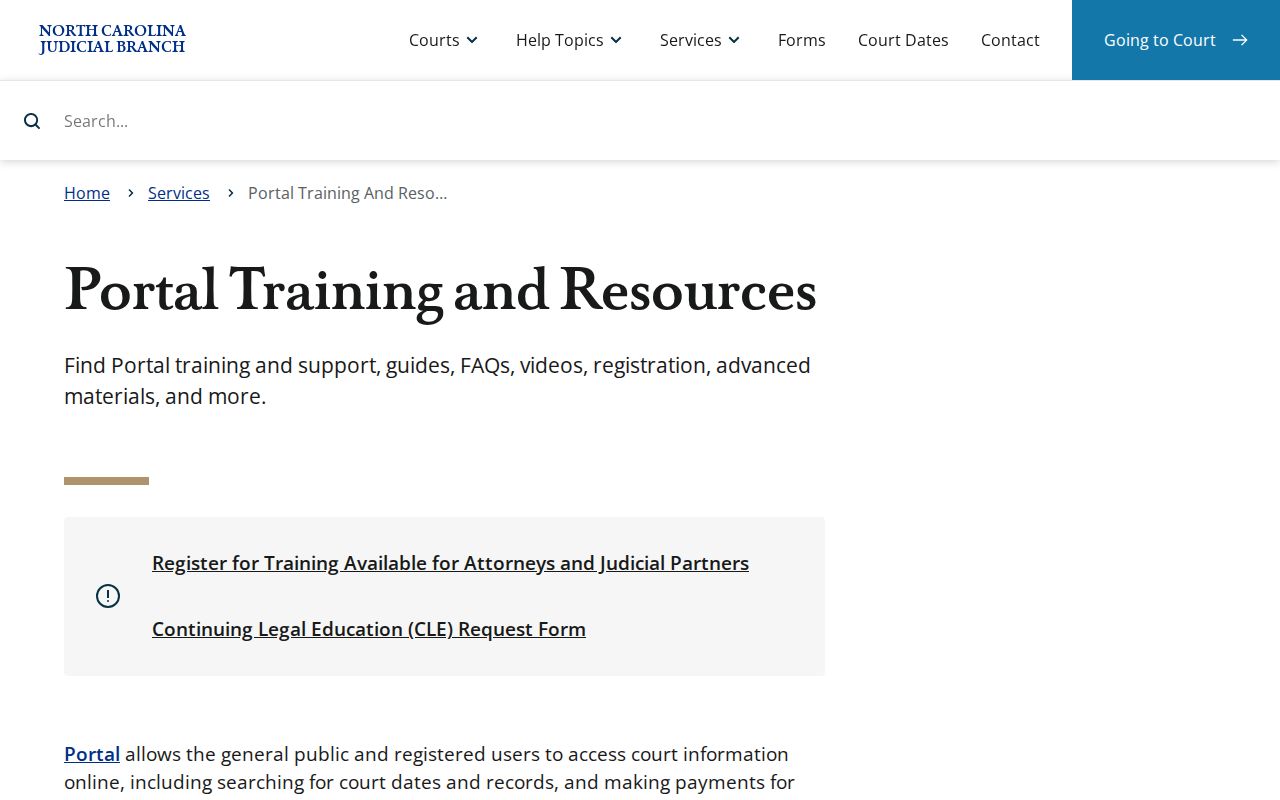
The Portal is for search and reference only. For a court-authenticated record, get a certified copy from the Scotland County Clerk.
Court Dockets: What They Show
A Scotland County public Case Summary is more than a list of court dates. It organizes case information and assignments. It also lists public party details, the dated Case Events, hearings where data exists, dispositions, and financial information when it applies. Civil, family, probate, and mental-health cases may add Causes of Action. Not every Scotland County docket fills in every field. A hearing section appears only when hearing data exists. Financial Information shows only when the case has something to display.
| Case information | Basic Scotland County case category, filing, status, and system details. |
|---|---|
| Assignment information | The court or case assignment information displayed by Portal. |
| Party information | Public names and roles, subject to confidentiality and redaction rules. |
| Case events | The chronological Register of Actions entry list, such as filings, notices, orders, and other events. |
| Hearings and dispositions | Scheduled hearing data when present and the recorded outcome category when entered. |
| Financial information | Applicable costs, fines, restitution, fees, balances, or payment-plan information. |
No docket entry is a certified order or the full file. Public documents may sit online one at a time, while a paper document or restricted image may take a clerk inquiry.
Scotland County Register of Actions
North Carolina gives the Scotland County docket view two linked names. These are Register of Actions and Case Summary. Case Events form the dated chronology. A disposition is the recorded outcome or resolution category. A continuance postpones a court event; it is not a dismissal. These terms matter when a Scotland County hearing date has moved. They also matter when a case stays active after an earlier setting.
- Pending
- The Scotland County case has not reached a final disposition or has active work remaining.
- Transferred to Superior Court
- Portal shows that the matter moved from a lower division into Superior Court.
- Trial De Novo
- A new Superior Court trial after certain District Court misdemeanor or infraction appeals.
- Reopened
- A Scotland County case has later activity after an earlier closure or disposition.
North Carolina eCourts File & Serve is the official source of this filing system. Its terminology helps a Scotland County reader tell a dated Case Event apart from a hearing setting or a final disposition.
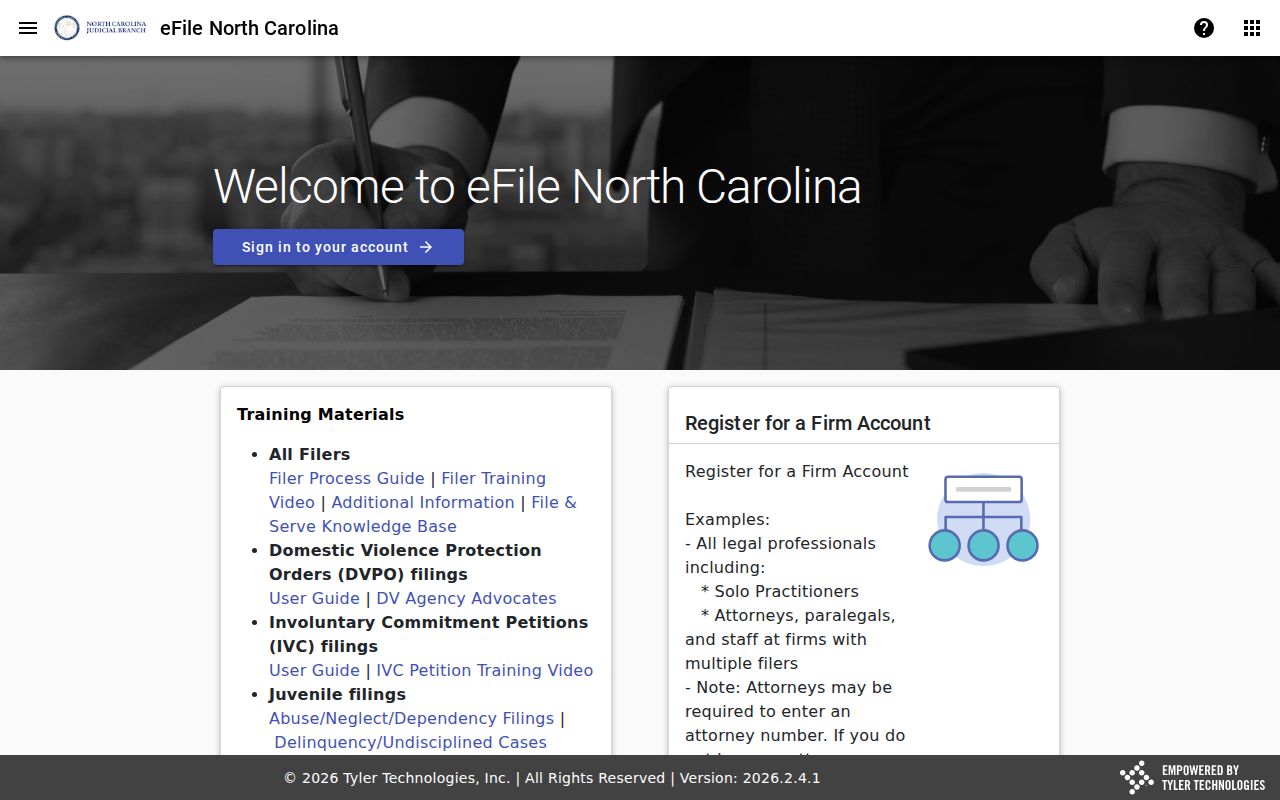
File & Serve connects to the eCourts environment, but it is not the public Scotland County docket-search screen.
Scotland County Courts and Their Dockets
Scotland County runs no separate city courts for state trial dockets. The Scotland County Clerk of Superior Court keeps the records for Superior Court, District Court, magistrates, estates, special proceedings, judgments, and related filed cases. Superior Court handles felonies, civil cases over $25,000, and appeals from District Court misdemeanor or infraction decisions. District Court covers misdemeanors, traffic and infractions, family and juvenile matters, and civil matters within its jurisdiction. Magistrates take small claims generally below $10,000, summary ejectment, and selected preliminary criminal work.
| Court | Docket covers | Where to search |
|---|---|---|
| Scotland County Superior Court | Felonies, major civil matters, and District Court appeals. | Portal Smart Search or Search Hearings, then the Scotland County Clerk. |
| Scotland County District Court | Misdemeanors, traffic, family, juvenile, and qualifying civil matters. | Portal, hearing search, or the unified clerk office. |
| Scotland County magistrates | Small claims, summary ejectment, and limited criminal preliminary work. | Portal or the clerk terminal and case file. |
| Clerk of Superior Court | Estates, special proceedings, records, and certifications. | Portal for public information; clerk for the official record. |
North Carolina’s court-types overview sets out the statewide hierarchy in the table. Scotland County fits that structure through one courthouse and one clerk record system.
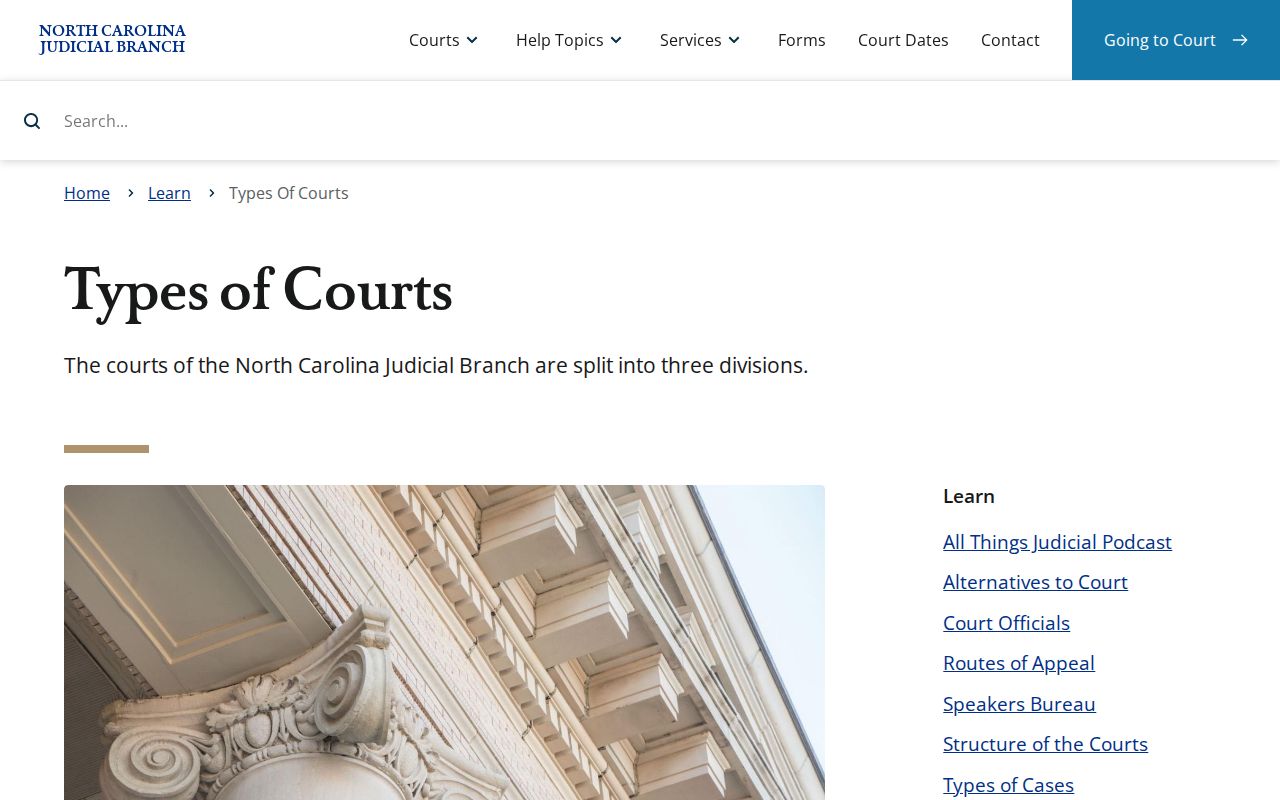
That hierarchy explains why a Scotland County case can climb from District Court to Superior Court yet stay inside the county clerk's records.
Scotland County Unified Docket System
One elected Scotland County Clerk is the statutory custodian of the county's court records. G.S. 7A-109 directs that clerk to keep records, files, dockets, and indexes. The unified Scotland County system reaches city residents too. A Laurinburg, Wagram, Gibson, or East Laurinburg citation or state-court case never starts in a separate municipal docket. It enters the Scotland County District Court and clerk system. A serious criminal matter or appeal then follows the state hierarchy.
The Scotland County Courthouse is the in-person fallback for all these records. Visitors can use the public self-service terminal in the clerk's office under statewide guidance. Paper files may be inspected in the county where the case sits. Scotland County staff provide copies for the statutory fee. Turn to the terminal or a file request when a Portal docket search returns nothing. The same applies when a document existed only on paper at the eCourts transition, or when certification is needed.
Court Dates and Settings in Scotland County
Scotland County settings are easiest to confirm in a few places. The Case Summary's Hearings section shows what is scheduled for one case. Portal Search Hearings lets you look across the docket by courtroom or judicial officer. The search page asks for a Scotland County location, a hearing type, a search type, a date range, and the value you want matched. Case number, party name, business name, attorney name, attorney bar number, judicial officer, and courtroom all work as search types. The county landing page also links Civil Calendars and Criminal Calendars. Still, the Portal hearing tools give the clearest public field structure.
Need a live voice instead? District Court questions go to the published District Court Judges line at (910) 419-7575. Superior Court settings belong to the Superior Court Judges Office and Court Reporter. That office is reachable at (910) 419-7686. For records and official copies, the clerk at (910) 266-4400 stays the central route. A dated notice can mislead you. Trust Portal or the scheduling office over any older paper.
Scotland County Court Date Confirmation
Never treat a Scotland County setting as locked in. Criminal cases move under a local plan that disfavors continuances and requires stated grounds. When a criminal event is continued, the plan calls for a reset within 30 days where possible. Superior civil matters answer to the Court Manager, who maintains that calendar. The civil plan calls trial dates firm and requires a written continuance request with a reason. It also promises notice at least four weeks before trial. Agreeing with the other side does not make a continuance automatic.
Work the confirmation chain in order. Start with a case number or party name in Portal, then read the Hearings block. Next comes Portal Search Hearings with a date range. Then use the applicable Scotland County calendar link. After that, call the court-level scheduling office. Finish with the Scotland County Clerk or the courthouse terminal. That order keeps a docket reader from trusting a stale entry or an old setting. The Track 6 eCourts transition notice documents the Scotland County change to Portal. Its local timing explains why an online hearing search and a clerk confirmation work best together.
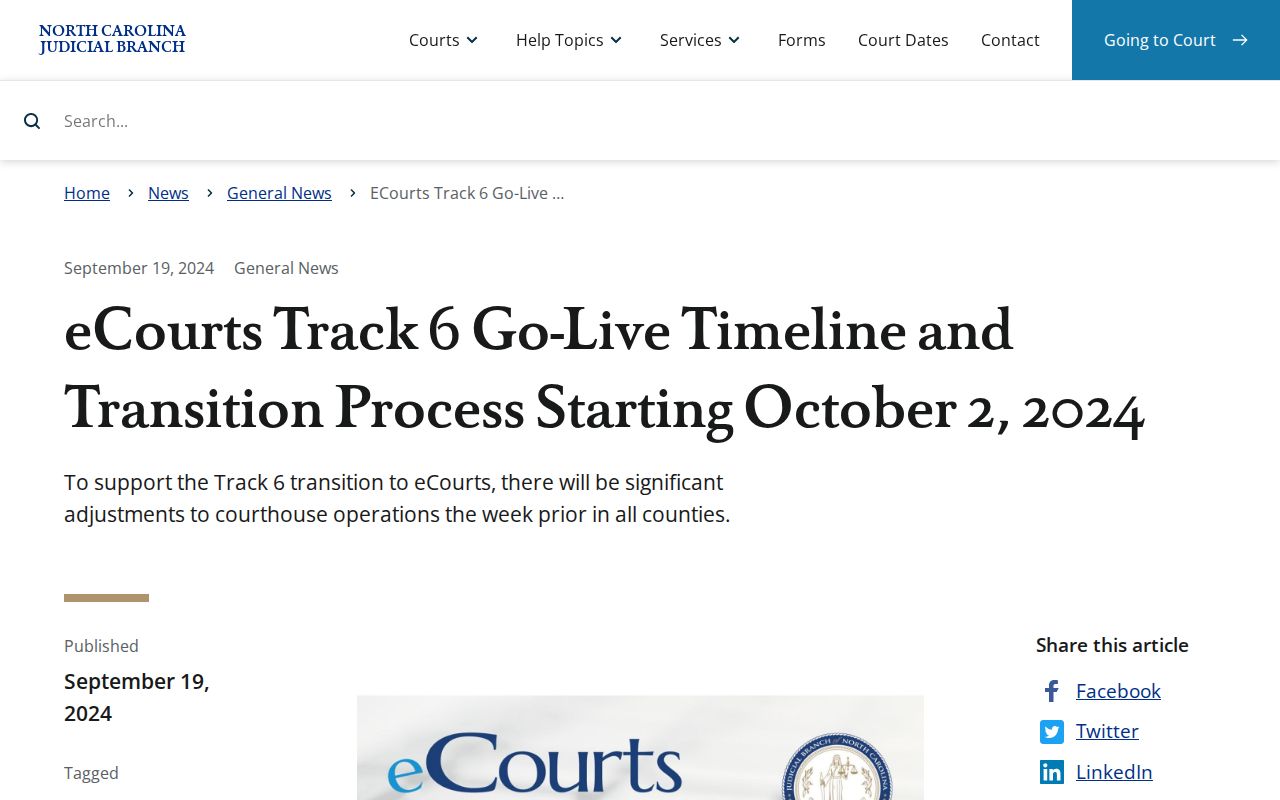
Scotland County joined the Portal and Enterprise Justice environment on October 14, 2024. Paper material at go-live stayed with the clerk.
Docket Access Under North Carolina Law
Unless a statute or a judge's order seals the file, Scotland County court records stay open for public inspection. Come during regular clerk-office hours. That is the default rule. Portal gives a handy electronic view of public Scotland County docket information. It is still not the official Scotland County court record. Treat it as a convenience rather than the last word on a case.
When a Scotland County record fails to show up in a normal public search, the miss could mean several things. The name may be misspelled. The case may sit in another county's docket, or the filing may still be paper-based. Sealed, expunged, and juvenile matters are restricted as well. The right next step is the Scotland County Clerk's terminal or file route, not a guess that no case exists.
Key Rules:
G.S. 7A-109 requires clerks to maintain records, files, dockets, and indexes and generally permits public inspection unless access is restricted.
G.S. 7A-308 sets clerk copy, certification, and exemplification fees.
G.S. 7B-3000 withholds juvenile records from ordinary public inspection except as law or order permits.
G.S. 15A-146 provides expunction authority for qualifying dismissed or not-guilty criminal matters.
Scotland County eCourts Docket Transition
The eCourts switch reached Scotland County on October 14, 2024, through Track 6. Enterprise Justice, Portal, and electronic filing replaced the legacy path. They now cover public indexes, abstracted case information, and public case documents. Not every court record became an online record that day, though. The Judicial Branch said plainly that paper documents on hand at go-live stayed in the clerk's office.
File & Serve handles electronic filing within that system. Portal serves as the public Scotland County docket and hearing-search route. Statewide conversion eventually covered all 100 North Carolina counties. So use Portal for the current electronic layer and the local clerk for paper-era material, official records, and any restriction Portal cannot display. North Carolina eCourts information records the statewide conversion context behind the Scotland County transition.
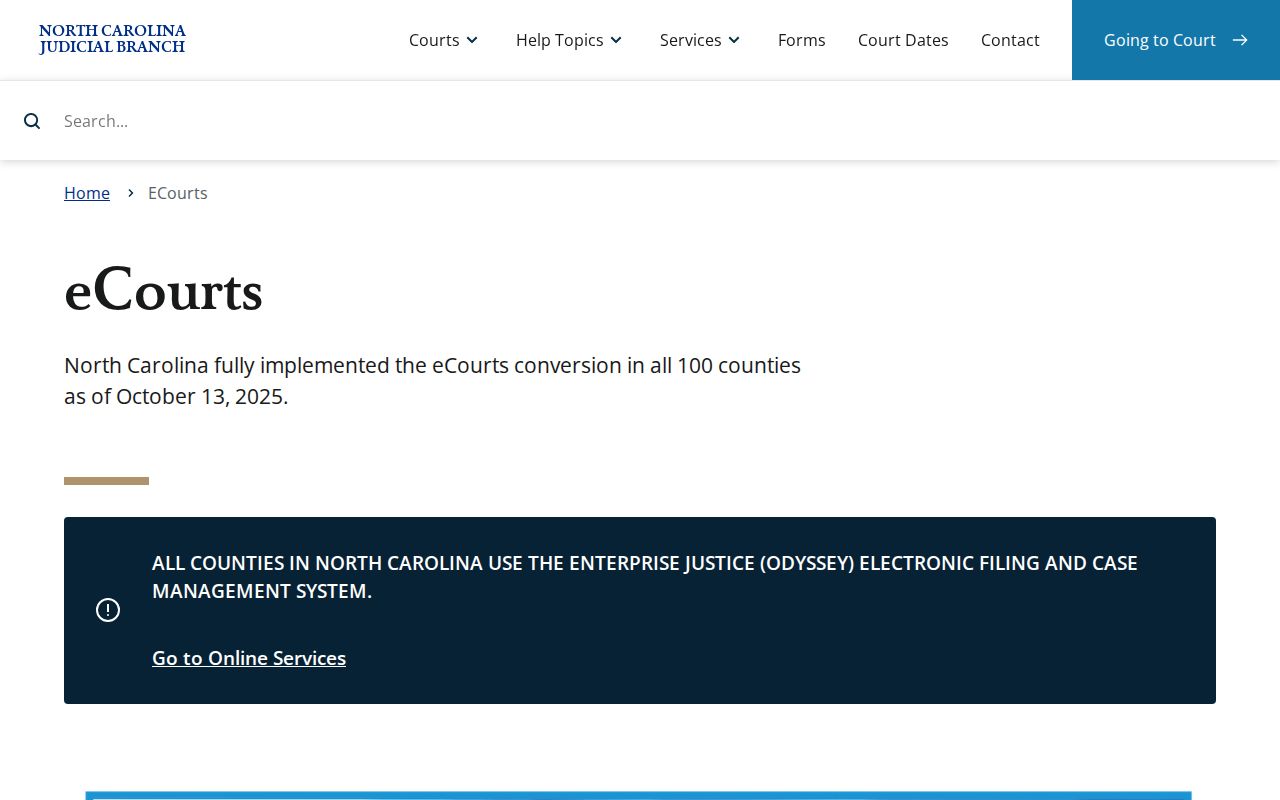
A statewide system has limits. When you need a court file, certification, or paper document, the Scotland County clerk request still comes first.
How the Clerk Keeps Docket Records
Every category of local record sits with one office. The Scotland County Clerk of Superior Court keeps Superior, District, magistrate, criminal, civil, estate, special-proceeding, and judgment records for the county. Begin with Portal for the public Scotland County Case Summary. Then contact the clerk when you need a paper file, a public image that is not online, a plain copy, a certified copy, or an exemplification. Give the case number, the document you want, and the copy type. One caution: the NCAOC administrative public-records form cannot order a Scotland County court case file.
Scotland County Clerk of Superior Court
Scotland County Courthouse
212 Biggs St.
Laurinburg, NC 28352
(910) 266-4400
Statute sets the Scotland County copy costs. Ask the clerk to confirm the total before you prepare a request. Certificate and exemplification charges can stack onto the copying work for your document.
| Scotland County clerk record | Statutory amount |
|---|---|
| First copied page of each document | $2.00 |
| Each additional page or fraction | $0.25 |
| Certificate under seal | $3.00 |
| Exemplification | $10.00 |
Scotland County Official Record Limits
A Portal result is a reference, not a certified Scotland County court record. Public documents may be viewed one at a time online. Confidential, sealed, and restricted documents stay out of reach for ordinary users. For an official copy, the clerk is the proper source. For a transcript, ask a court reporter. The courthouse directory lists Official Court Reporters at (910) 266-4579. It also lists the Superior Court Judges Office and Court Reporter at (910) 419-7686.
Federal dockets live in a separate system. A Scotland County state case, whether criminal, civil, traffic, estate, or special proceeding, will not show up in a federal PACER search. For its own dockets and documents, the official route is the U.S. District Court for the Middle District of North Carolina.
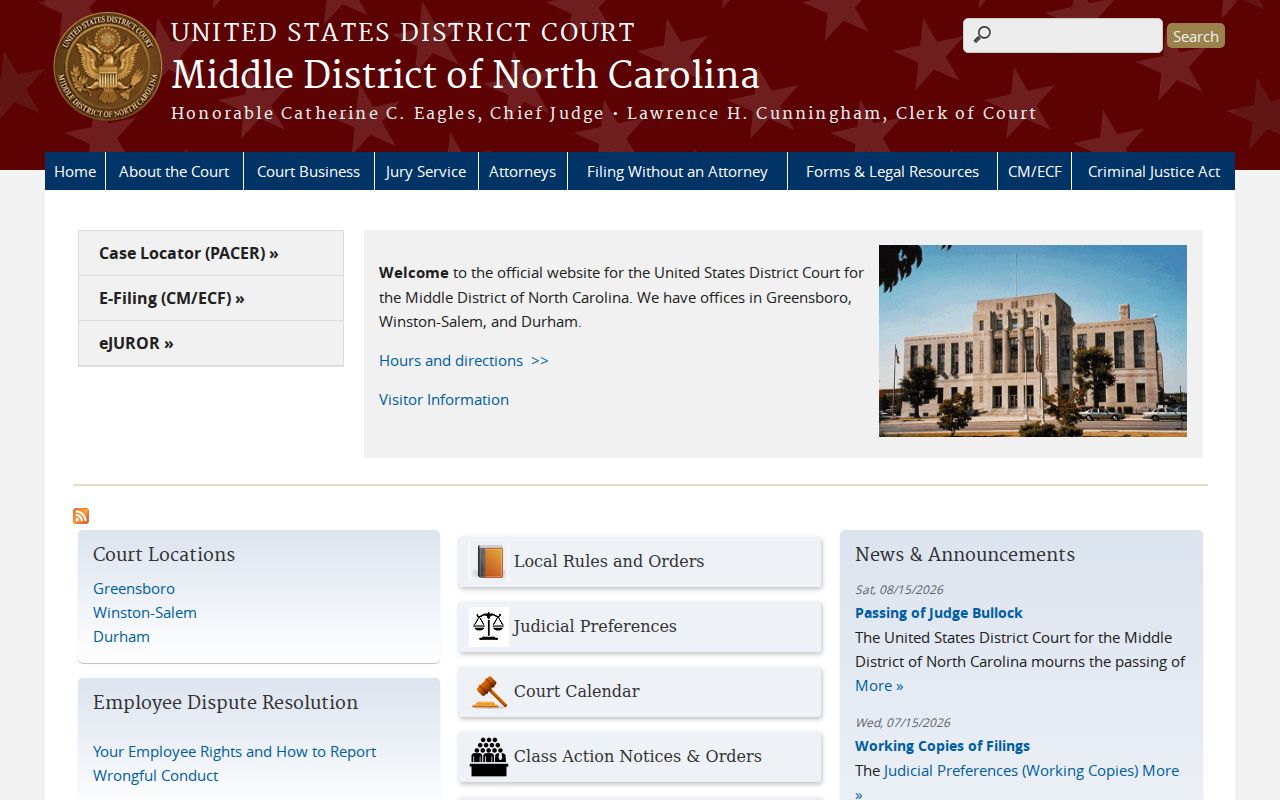
That image belongs to the federal courts. It covers a separate jurisdiction, so it is not another way to pull a Scotland County state court docket.
City-by-City Court Dockets in Scotland County
Scotland County has four incorporated municipalities. They are Laurinburg, Wagram, Gibson, and East Laurinburg. None runs its own city court. Instead, each one shares the same state-court record structure. A Scotland County traffic citation, misdemeanor, civil matter, magistrate case, or serious criminal case sits at whatever court level North Carolina law assigns. Laurinburg holds the county seat. Yet even a Laurinburg-issued citation lands in Scotland County District Court. The county clerk handles that filing, not a city office.
Laurinburg Court Records
14,978 residents in the 2020 Census. City police can help locate a citation copy or court date; the Scotland County Clerk holds the court record.
Wagram Court Records
615 residents in the 2020 Census. Wagram cases use the Scotland County Portal and unified clerk route.
Gibson Court Records
449 residents in the 2020 Census. A Gibson citation does not create a separate municipal court docket.
East Laurinburg Court Records
234 residents in the 2020 Census. East Laurinburg court records follow the Scotland County state-court pathway.
Scotland County Four-City Docket Map
The real line here separates a municipal government record from a Scotland County court record. City clerks in Laurinburg, Wagram, Gibson, and East Laurinburg keep agendas, ordinances, and council records. The Scotland County Clerk keeps the state court files. No municipal court portal exists for any of the four towns. A Scotland County court docket search starts with Portal. Use the Scotland County location there, then turn to the clerk for the official record.
Traffic shows how this works. A ticket written by local police goes straight into Scotland County District Court. It also enters the clerk system. Portal displays the case record, hearing, and payment eligibility when that information is public. For citation-specific steps, see Scotland County traffic court records.
CourtListener and RECAP’s federal docket search appears on the page that follows. Scotland County’s cities and towns rely on state court records. This federal source can help when a filing has been contributed.
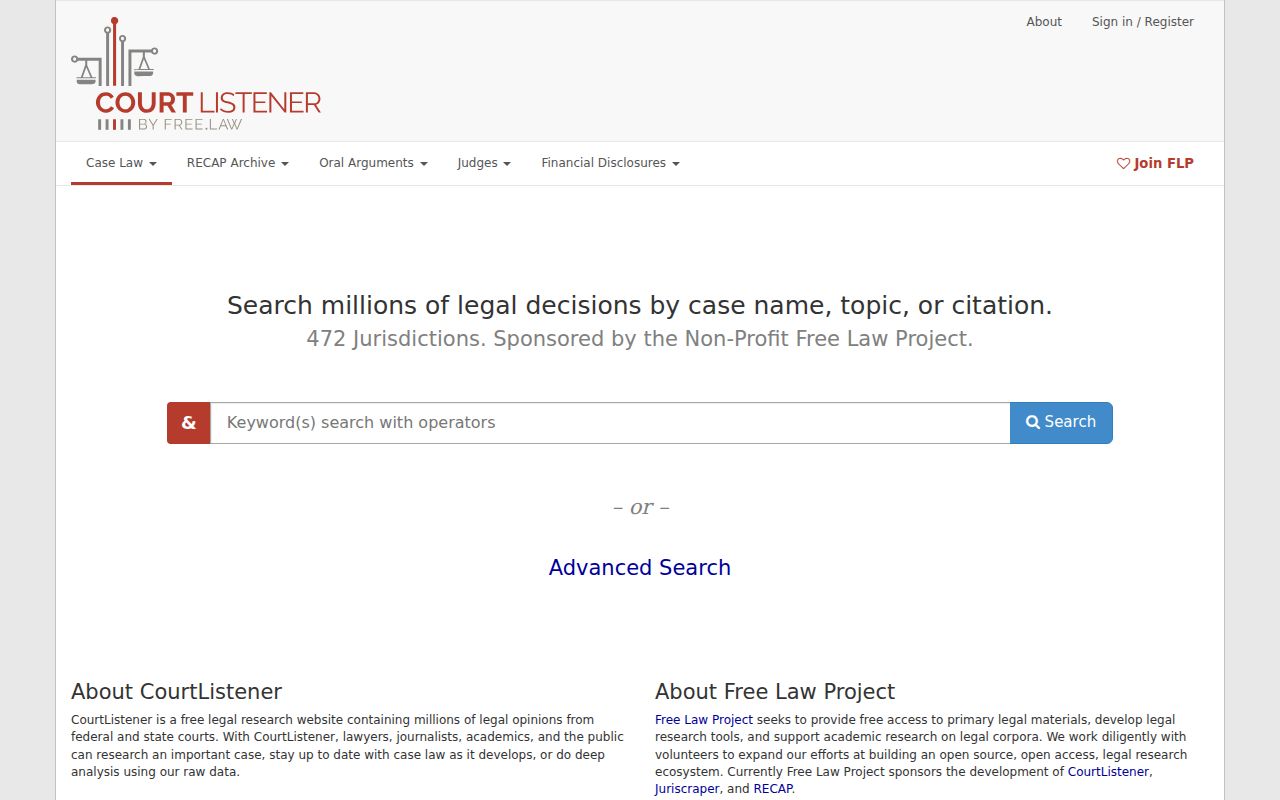
CourtListener and RECAP can round out a federal docket search when someone has contributed a federal filing. They hold no Scotland County state court records. Likewise, Middle District bankruptcy case information runs through a separate federal channel, not the Scotland County Clerk.
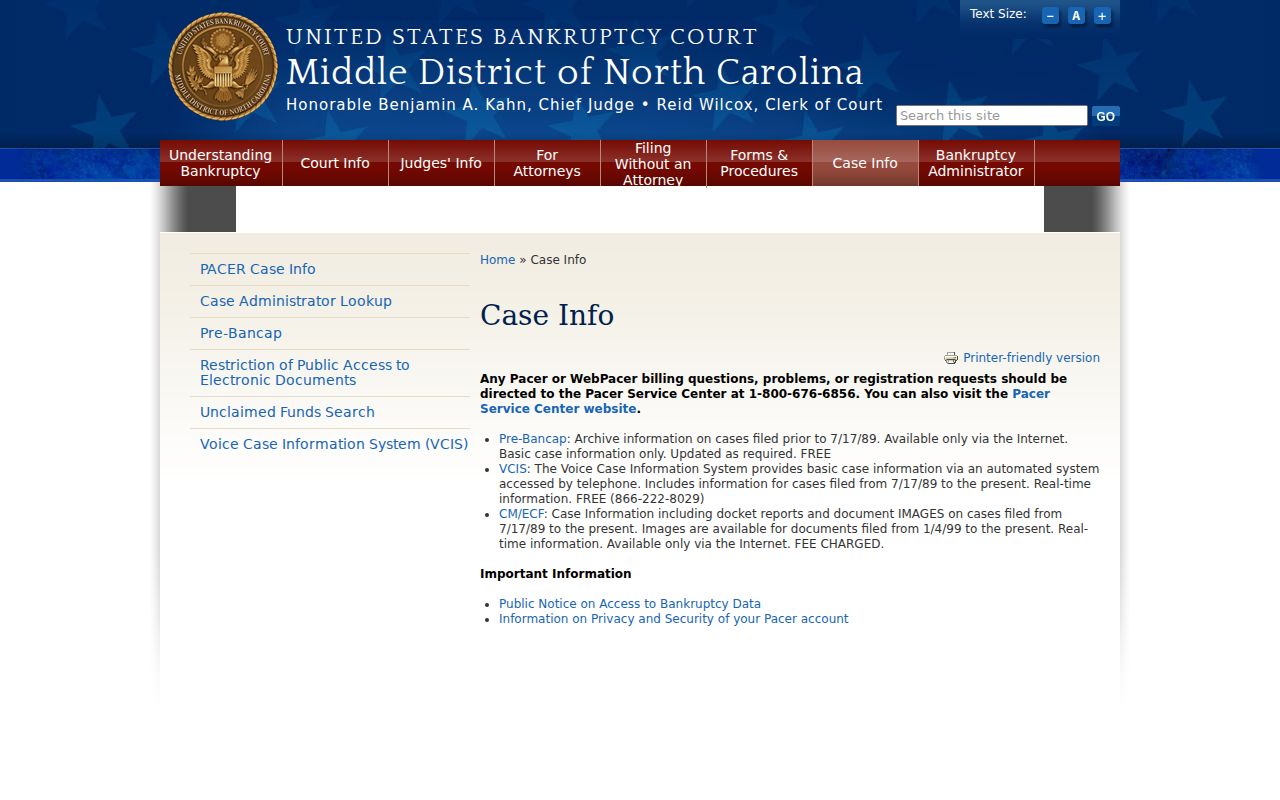
Bankruptcy follows its own path. Those cases run through the Middle District of North Carolina Bankruptcy Court’s PACER and CM/ECF channels, not the Scotland County Portal.
Map and Directions to the Scotland County Courthouse
Superior Court District 21 and District Court District 21 both keep their records at the Scotland County Courthouse, 212 Biggs St. in Laurinburg, the county seat. It is not a split civil/criminal building; the same Clerk of Superior Court's office there is the custodian for felony and civil Superior Court matters, District Court cases, magistrate small claims, estates, and special proceedings.
Scotland County Courthouse
212 Biggs St.
Laurinburg, NC 28352
(910) 266-4400
Monday through Friday, 8:30 a.m. to 5:00 p.m.
Mail instead goes to PO Box 769, Laurinburg, NC 28353. A local administrative order bars cellphones, cameras, other electronic devices, knives (including pocket knives and box cutters), and any food or drink from the building; prohibited items must be left in a vehicle, since the courthouse will not hold them. No parking or public-transit policy is published, so plan around that entry rule before arriving.