
Scotland County Criminal Docket Searches
For an online docket search, Scotland County runs through the North Carolina eCourts Portal. Its public Register of Actions is called a Case Summary. Smart Search is the usual starting point for a criminal case lookup. You can query by party name, case number, citation number, or attorney. Business name, cross-reference number, and nickname work too. Too many hits? Narrow by location, case type, status, or a filing-date range.
The Portal is handy but not the official record. The Scotland County Clerk of Superior Court holds that role. Older or paper-only criminal docket files may never appear online. The clerk's public terminal is the practical fallback. So is the paper case file. The clerk can also produce plain or certified copies of a court record on request.
- Open Portal and choose Smart Search for a Scotland County criminal case.
- Enter the known party, citation, or case identifier, then add Scotland County as the location when a broad search needs narrowing.
- Select the linked case number and open the Register of Actions or Case Summary.
- Review Case Events, Hearings, Dispositions, and Financial Information when those sections are present.
- Use the Scotland County clerk terminal or clerk records route for a paper file, an official copy, or help with a public-access limit.
Note: Portal caps broad result lists at 200 entries. A precise name, a date range, or a case-type filter makes a Scotland County case easier to pick out.
Scotland County Criminal Docket Portal Filters
No sign-in is needed for ordinary Smart Search use. The Advanced Filter Options refine a query rather than replace it. The official Portal guide permits a wildcard after part of a complex name when the indexing is unclear. Some limits apply to business names. Search Hearings is a separate tool. It takes a location, hearing type, search type, date range, and chosen search criterion, and it answers a different question than a docket query: one finds a case, the other finds a scheduled hearing.
| Portal field | Scotland County use | Important limit |
|---|---|---|
| Basic Search Criteria | Start with party name, case number, or citation number. | At least one basic criterion is needed. |
| Location | Select Scotland County to focus a statewide result. | Useful, but the guide does not list every location choice. |
| Case Type and Status | Narrow a Scotland County criminal search after the basic query. | An incompatible status can produce incomplete results. |
| Search Hearings | Use case number, party name, officer, or courtroom with dates. | It is a date lookup, not an official notice. |
The Judicial Branch explanation of Superior Court jurisdiction details how these courts handle prosecutions.
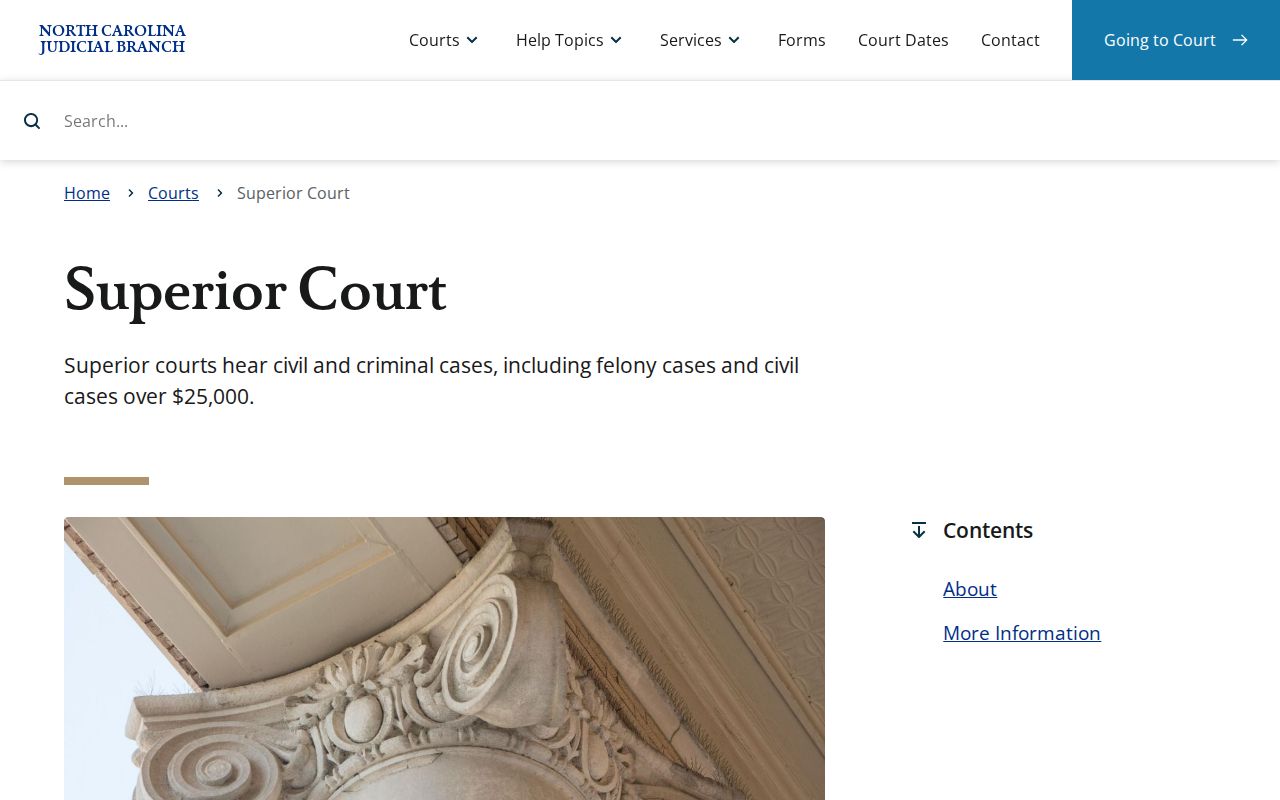
That page is a good reminder: Scotland County felony dockets live inside the state court structure. There is no separate county criminal portal. Court-level routing still flows through the Scotland County clerk's unified record custody.
Criminal Dockets: What They Show
A public criminal Case Summary is an organized view, not a certified docket sheet. The Portal guide lists its usual sections. Case Information, Assignment Information, and Party Information come first. Case Events, Dispositions, Hearings when applicable, and Financial Information when applicable round it out. The Causes of Action section is civil-only, so it won't appear on a criminal case. Document links show up only where the filing is public and nonconfidential. Case Events supply the chronology. The other sections sort the remaining fields for that case.
| Case number | The clerk and Portal identifier used to open the Scotland County record. The research does not verify a generic criminal-number example. |
|---|---|
| Case Information | Basic category, status, and charge-related case information shown by the system. |
| Case Events | The chronological Register of Actions, including filed, hearing, notice, and outcome events when recorded. |
| Hearings | Upcoming or recorded settings when hearing data exists; cross-check with Search Hearings for a current date. |
| Dispositions and financials | Outcome labels and applicable financial information, not a promise that every case has each field. |
Scotland County Criminal Docket Court Levels
Criminal dockets in Scotland County divide by court level, not by clerk. District Court District 21 takes misdemeanors, traffic and infractions, preliminary felony matters, and first appearances. Superior Court District 21 handles felony prosecutions and retries misdemeanor and infraction appeals from scratch. Scotland County magistrates sit as District Court officers doing defined preliminary work, such as warrants and bail. They may also take certain minor pleas. The level changes a case's path. It never changes who keeps the record.
| Scotland County court level | Criminal docket role | Record route |
|---|---|---|
| District Court | Misdemeanors, traffic, infractions, first appearances, and preliminary felony matters. | Scotland County Clerk and Portal. |
| Superior Court | Felony prosecution and District Court misdemeanor or infraction appeals. | Scotland County Clerk and Portal. |
| Magistrates | Defined preliminary criminal work and selected minor dispositions. | Same Scotland County clerk and Portal route. |
The state District Court and magistrate jurisdiction page explains what these courts can hear.
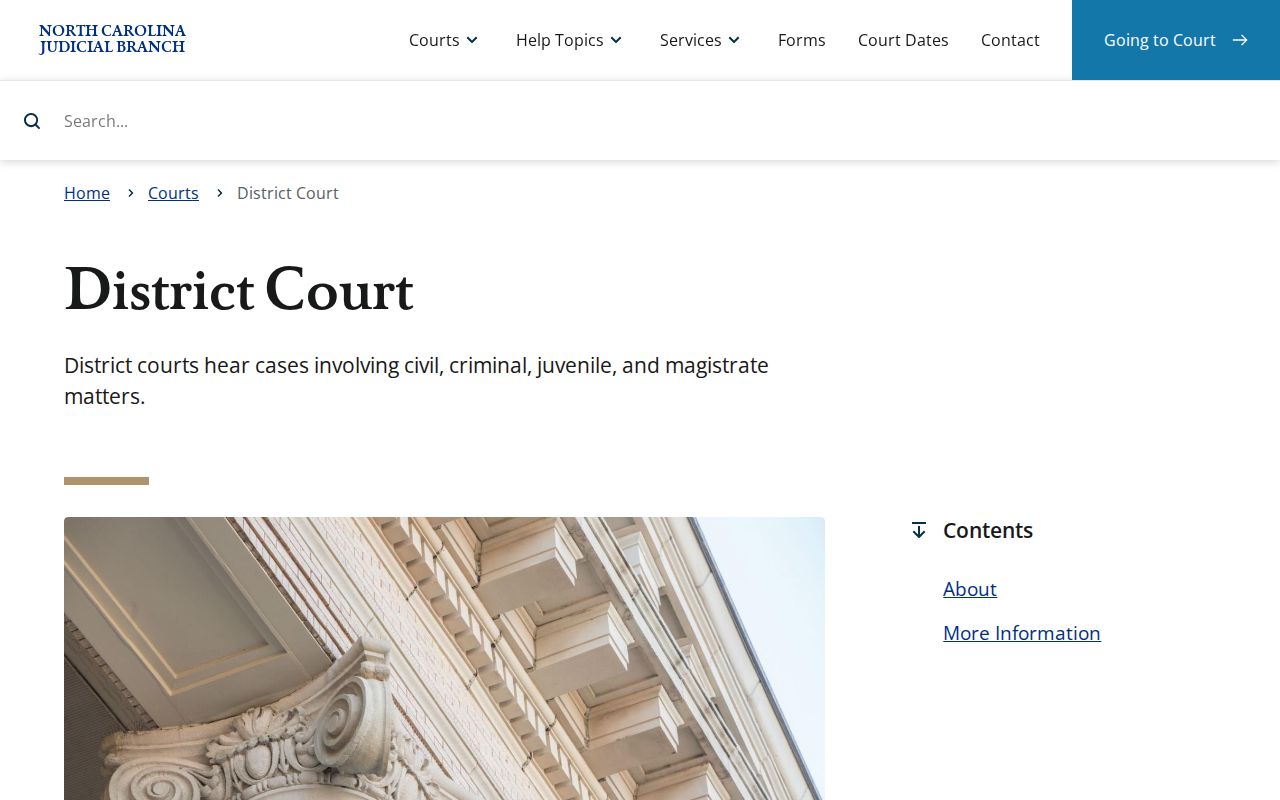
The statewide map explains why a docket search should stay on the unified clerk and Portal route, even when a magistrate handled an early event. Scotland County keeps no separate local database for magistrate records.
Criminal Case Stages on the Docket
A criminal docket may open with process or a charge, then log first appearance, counsel or release review, a probable-cause hearing unless waived, later settings, and a final disposition. Felonies can move up to Superior Court. Misdemeanors follow the District Court track. The published District 21 criminal plan covers timing. It sets an out-of-custody first appearance within 30 days after process issues. It also requires a judge to schedule a probable-cause hearing unless the right is waived in writing.
Docket flow: Charge or criminal process → First appearance → Probable-cause hearing or waiver → District Court or Superior Court proceedings → Hearing or continuance → Plea or trial → Disposition → Sentencing or appeal activity.
Each entry records court activity only. It promises nothing about the next outcome. A later hearing field, order, or clerk confirmation beats reading an old event as the current setting.
Scotland County Criminal Docket Continuances
Nobody gets a new court date in Scotland County just by agreeing to move one. The District 21 local rules and forms make that plain. Continuances are disfavored across every case type and docket. The request has to state its grounds. An older case may need extraordinary circumstances first. So will a case that a judge has already continued once. When the court does grant a continuance, the reason and its source go into the court file. Resets follow the local plan. A continued criminal event should be rescheduled no later than 30 days after the earlier date where possible.
A docket entry can show a continuance. It can show a rescheduling or a new hearing. None of that means a charge vanished. Check Search Hearings and the Case Summary before trusting an old paper notice. For District Court scheduling questions, the published District Court Judges line is (910) 419-7575. The Superior Court Judges Office and Court Reporter route is (910) 419-7686.
The Judicial Branch’s missed-court-date guidance is the official source behind this Scotland County criminal-docket image.
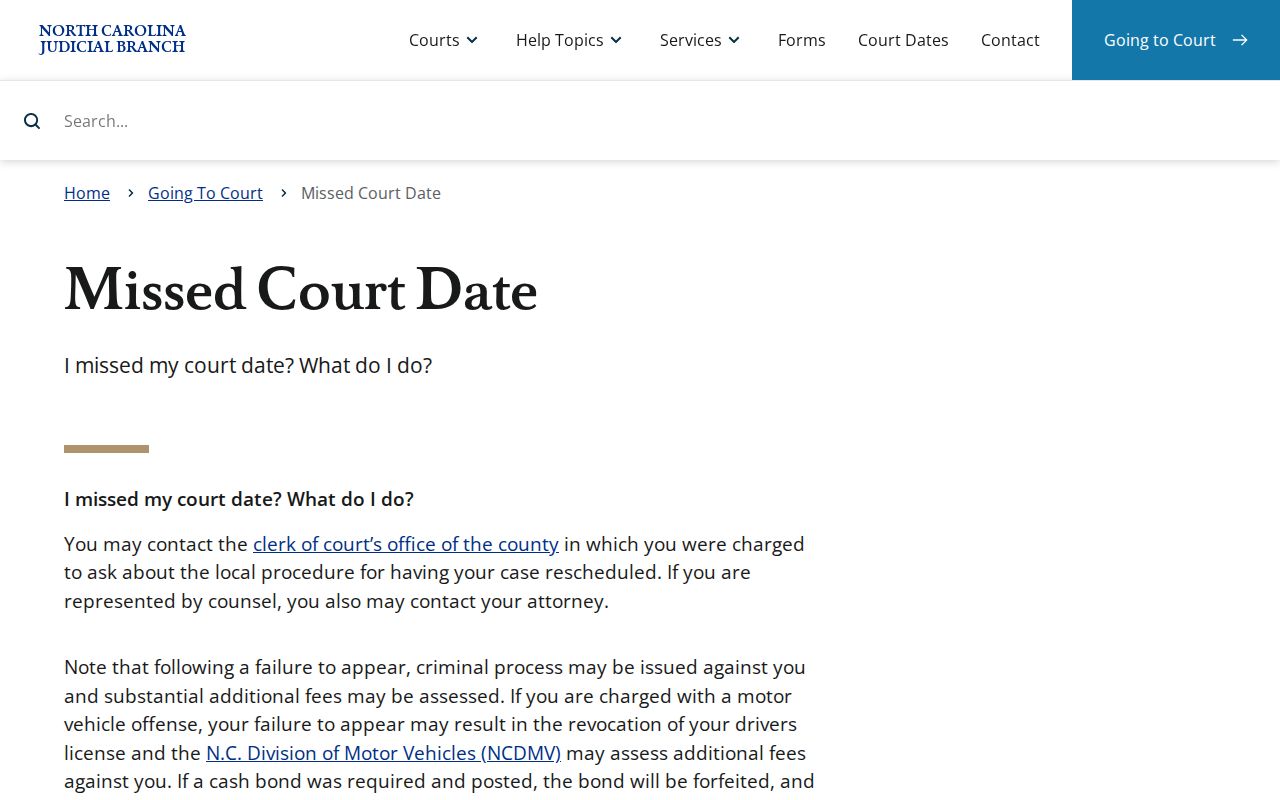
The practical lesson for any Scotland County criminal case is simple. Confirm a moved date through the court’s current channels instead of an earlier setting. Fresh Scotland County scheduling information beats an outdated notice every time.
Scotland County Criminal Docket Courts
One office holds nearly everything. The Scotland County Clerk of Superior Court keeps records for Superior Court, District Court, magistrate, criminal, civil, special-proceeding, estate, and judgment matters. All of them are filed in the county. That unified custody matters when a criminal search changes court level. There is no separate Justice-of-the-Peace portal. There is no independent city criminal clerk to search. The same courthouse network serves as the public counter route for the clerk, judges offices, magistrates, and court reporters.
For a record visit or copy request, the courthouse sits at 212 Biggs St., Laurinburg, NC 28352. The Scotland County contact directory lists the clerk’s main number as (910) 266-4400. Regular office hours run Monday through Friday, 8:30 a.m. to 5:00 p.m. Paper files can be viewed at the clerk office. Statewide guidance says every clerk office has public self-service terminals. One local rule to remember: the courthouse order bars cellphones, cameras, other electronic devices, knives, and food or drink inside the building.
Note: A Scotland County clerk terminal can help you tell apart a paper-era or access-limited case from a search that simply used the wrong spelling or court location.
Scotland County Criminal Docket Status Labels
Portal publishes status and disposition labels so a Scotland County reader can recognize the path a case has taken. These are system terms. No criminal record is guaranteed to display every choice. A transfer or appeal label points to a different court path, while a disposition label identifies a recorded result.
- Transferred to Superior Court
- A Scotland County matter moved from the lower division to Superior Court.
- Trial De Novo
- A new Superior Court trial after certain District Court misdemeanor or infraction appeals.
- Pending
- The case has not reached a final disposition or still has active work.
- Disposed, Final Judgment No Trial
- A published Portal disposition label for a final judgment without trial.
Need the current case status? Open the full Case Summary or ask the Scotland County clerk for the official record. Read any status label with the Scotland County event history beside it.
Access Rules for Criminal Dockets
North Carolina law directs the Scotland County clerk to maintain records, files, dockets, and indexes. It generally keeps them open during regular office hours unless a law restricts access. That public rule never overrides a restriction. Portal users in Scotland County will not see confidential, sealed, juvenile, protected, or otherwise restricted material. It stays out of any ordinary public search. A completed qualifying expunction also removes court-record entries from ordinary Portal access.
Key rules for Scotland County criminal records:
G.S. 7A-109 directs clerks to keep dockets and generally permits public inspection unless access is prohibited.
G.S. 7B-3000 withholds juvenile records from ordinary public inspection except as law or order permits.
G.S. 15A-146 addresses qualifying dismissed or not-guilty criminal matters and related expunction authority.
A Scotland County no-match result can stem from many things. A name or format error, the wrong county, a paper-era file, a statutory limit, sealing, or expunction could all be the cause. Because of the county’s restriction rules, an unavailable case should never be used to infer facts.
Scotland County Criminal Docket Paper Route
Scotland County joined eCourts Track 6 on October 14, 2024. After that conversion, the Judicial Branch said the public would use Portal for indexes, abstracted case information, and public case documents. Documents held only on paper at go-live stayed at the clerk office. So the split is clear: Portal is the ordinary online route. The clerk counter and terminal remain necessary for older paper material, certification, and files outside public online access. Public indexing did not erase the paper-file route.
For a Scotland County transcript, use the court reporter route. Do not use the clerk’s case-copy route. Official Court Reporters are listed at (910) 266-4579. The Superior Court Judges Office and Court Reporter line is (910) 419-7686. The clerk publishes no transcript fee or turnaround time. When a record has to be found first, the related Scotland County docket search page explains Portal’s name and case-number tools. Transcript handling stays distinct from a docket-copy request.